You have your Eleven IPTV subscription — now what? The app you choose makes a massive difference in your streaming experience. This in-depth comparison covers the top 4 IPTV player apps in 2026, with honest pros, cons, and our final verdict.
🏆 Our #1 Pick: TiviMate for Android TV / Fire Stick. IPTV Smarters Pro for iPhone & non-Android TV devices. Keep reading for the full breakdown.
Quick Comparison Table
| App | Best For | 4K Support | EPG | Price |
|---|---|---|---|---|
| TiviMate | Android TV, Fire Stick | ✅ Yes | ✅ Full EPG | Free / $5.99/yr Premium |
| IPTV Smarters Pro | Android, iOS, Smart TV | ✅ Yes | ✅ Full EPG | Free |
| IBO Player Pro | All platforms | ✅ Yes | ✅ EPG | Free |
| GSE Smart IPTV | iOS / iPhone / iPad | ✅ Yes | ⚠️ Basic | Free (ads) / $2.99 |
1. TiviMate — Best for Android TV & Fire Stick
TiviMate IPTV Player Editor's Pick
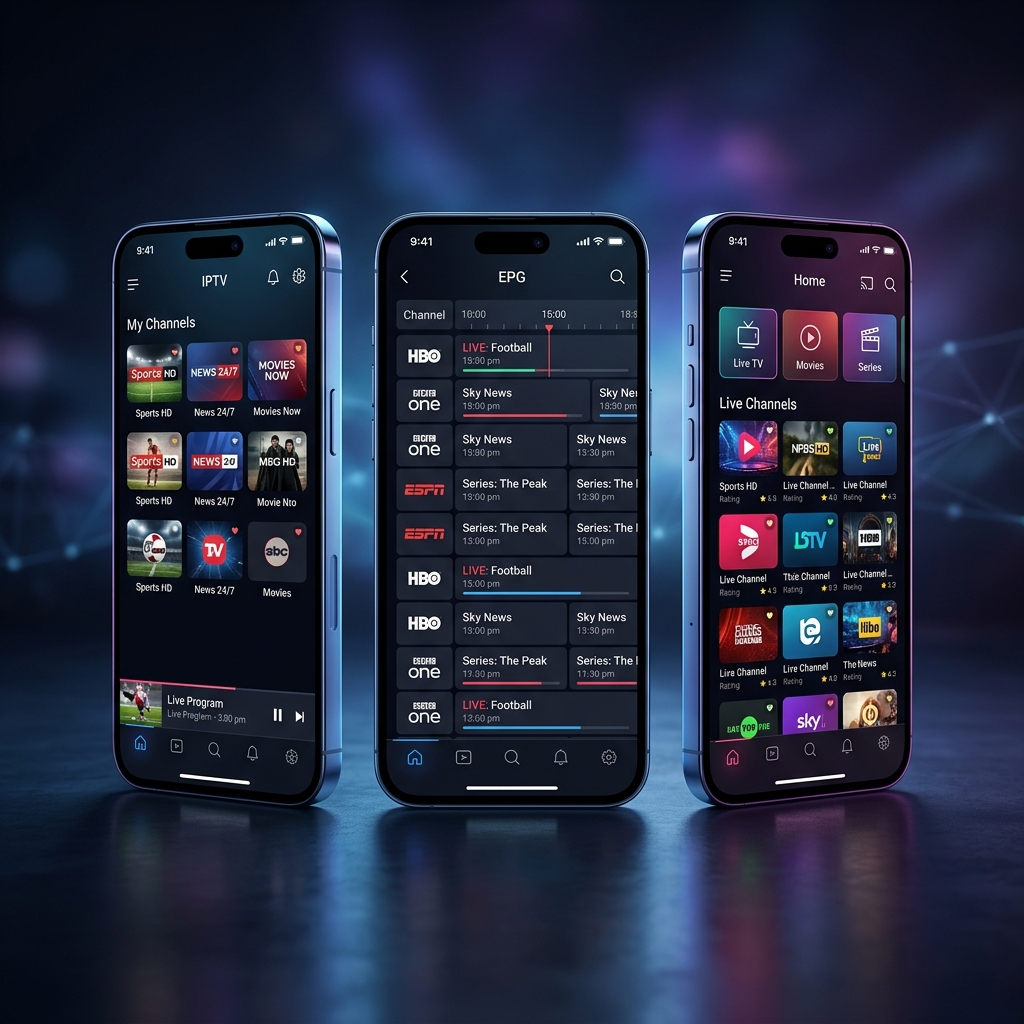
TiviMate is the gold standard for IPTV on Android TV and Amazon Fire Stick. Its buttery-smooth UI, full EPG guide, picture-in-picture mode, and catch-up support make it the most feature-complete player available.
✅ Pros
- Gorgeous, fast UI
- Full EPG & Catch-Up
- PiP mode
- Favorites & groups
- Multi-account support
❌ Cons
- Only on Android/Fire TV
- Premium = paid subscription
- No iOS support
2. IPTV Smarters Pro — Best All-Rounder
IPTV Smarters Pro
Smarters Pro is the most versatile app, working on Android phones, iOS, Smart TVs, and computers. It supports both M3U and Xtream Codes login, has a clean channel grid, and includes Movies/Series categorization from your VOD library.
✅ Pros
- Works on all platforms
- M3U + Xtream Codes support
- VOD & Series section
- 100% free
- Easy setup
❌ Cons
- Removed from Play Store (sideload)
- Occasional crashes on older devices
3. IBO Player Pro — Best Lightweight Option
IBO Player Pro
IBO Player is a lightweight, fast-loading alternative that's especially popular in Europe and the Middle East. It works across Android, iOS, and Smart TVs with minimal setup required.
✅ Pros
- Fast and lightweight
- Available on all platforms
- Great for slow internet
- Clean interface
❌ Cons
- Less advanced than TiviMate
- Limited customization
4. GSE Smart IPTV — Best for iPhone & iPad
GSE Smart IPTV
GSE Smart IPTV was built with iOS in mind and is one of the few reliable IPTV players on the App Store. It supports M3U playlists and Xtream Codes, and works well with Eleven IPTV on iPhone and iPad.
✅ Pros
- On the App Store (no sideload)
- Works great on iOS
- M3U + Xtream support
❌ Cons
- Free version has ads
- EPG sync not always reliable
How to Set Up Any App with Eleven IPTV
- Install your chosen app (see our installation guide for step-by-step instructions)
- Open the app and select "Add IPTV Provider" or "Add Playlist"
- Enter your Xtream Codes credentials (Server URL, Username, Password) from your Eleven IPTV email
- Wait for channels to load — typically 30–60 seconds for 35,000+ channels
- Browse, add favorites, and enjoy!
Get Your Eleven IPTV Subscription Today
Start streaming 35,000+ channels on the app of your choice from just $4.00/month.
View Pricing Setup GuideFinal Verdict
- 🏆 Android TV / Fire Stick: Use TiviMate (best UI & features)
- 🥇 Android Phone / Smart TV: Use IPTV Smarters Pro (free & versatile)
- 🍎 iPhone / iPad: Use GSE Smart IPTV or IPTV Smarters Pro (iOS version)
- 🌍 All other devices: IBO Player Pro works everywhere